
Download Airmail – fast, secure email client for Mac
Overview
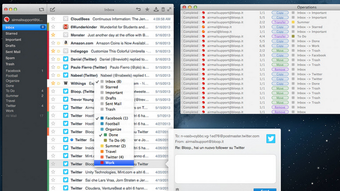
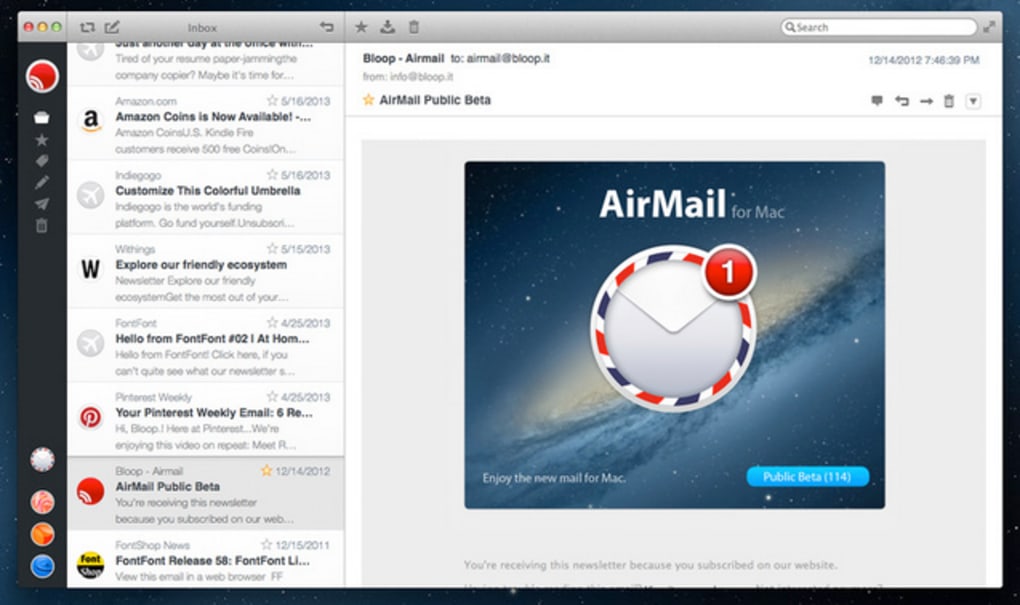
Airmail is a powerful, slick mail client designed exclusively for macOS. Built with a clean, native‑look interface, it lets you juggle multiple email accounts—Gmail, Outlook, Yahoo Mail, iCloud, and more—without ever leaving your desktop. While the web versions of these services provide the basics, Airmail adds a layer of productivity that many power users crave: quick swipe actions, custom mailbox rules, powerful search filters, and a unified inbox that truly feels “one place.” The app embraces Apple’s design language, offering dark mode, Retina‑ready graphics, and smooth animations that make email management feel less like a chore and more like a streamlined workflow.
Airmail also integrates with popular macOS services such as Calendar, Reminders, and Contacts, allowing you to turn an email into a task or event in a single click. Though it shines on macOS, the client does not support POP accounts and can occasionally feel sluggish when loading very large mailboxes—issues that are largely mitigated by recent macOS optimizations. Overall, Airmail is a premium‑grade solution for anyone who needs a fast, secure, and beautifully presented email client on their Mac.
Key Features
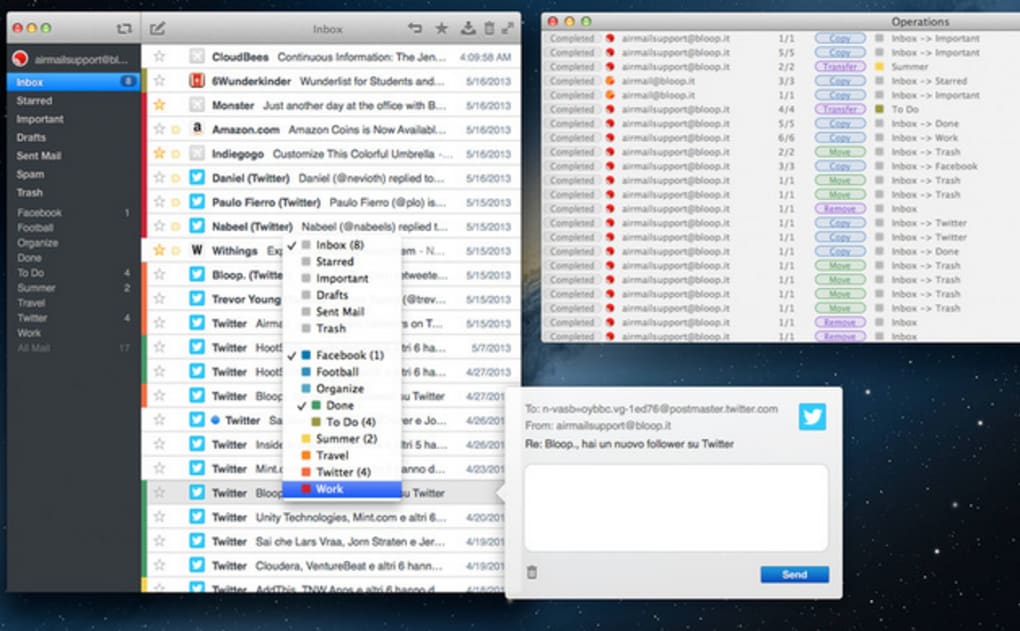
- Unified Inbox – Consolidate all your email accounts into a single, scrollable view while still being able to filter by account, label, or folder.
- Advanced Swipe Actions – Customize left‑ and right‑swipe gestures for archiving, deleting, marking as read, or moving messages to custom folders.
- Smart Filters & Rules – Create conditional rules that automatically sort incoming mail based on sender, subject, or keywords.
- Quick Reply from Notification Center – Respond to messages directly from macOS notifications without opening the app.
- Third‑Party Integrations – Connect with services like Dropbox, Evernote, Trello, and Slack to attach files, create tasks, or share content instantly.
- Dark Mode & Retina Support – Native macOS dark mode and crisp Retina graphics ensure a comfortable reading experience day or night.
- Full‑Screen & Split View – Use macOS’s split view to keep Airmail side‑by‑side with other productivity apps.
- Secure Email Handling – Supports OAuth2 authentication, S/MIME encryption, and two‑factor verification for maximum security.
- Customizable Keyboard Shortcuts – Power users can assign shortcuts for almost any action, speeding up daily email routines.
- Scheduled Sending & Follow‑Up Reminders – Write emails now and schedule them to be sent later; set reminders to follow up on important threads.
Installation & Usage Guide
Getting started with Airmail is straightforward. First, visit the Mac App Store or the official Airmail website and click the “Download” button. The installer is a small .dmg file that extracts to your Applications folder in seconds.
Once installed, launch Airmail and you’ll be greeted by a brief onboarding wizard that walks you through adding your first email account. Simply choose the provider (Gmail, Outlook, iCloud, etc.), sign in using OAuth2, and grant the necessary permissions. Airmail automatically detects your folders, labels, and signature settings, syncing them in real time.
After the initial setup, you can fine‑tune the client to match your workflow. Navigate to Preferences → Accounts to add additional accounts or adjust sync intervals. The Preferences → Layout panel lets you pick between a classic three‑pane view or a more compact column layout, while the Preferences → Notifications section enables quick replies directly from macOS’s Notification Center. For power users, the Rules tab provides a visual interface to create complex filters—think “If the sender is my boss and the subject contains ‘urgent’, move to the ‘Priority’ folder and flag.”
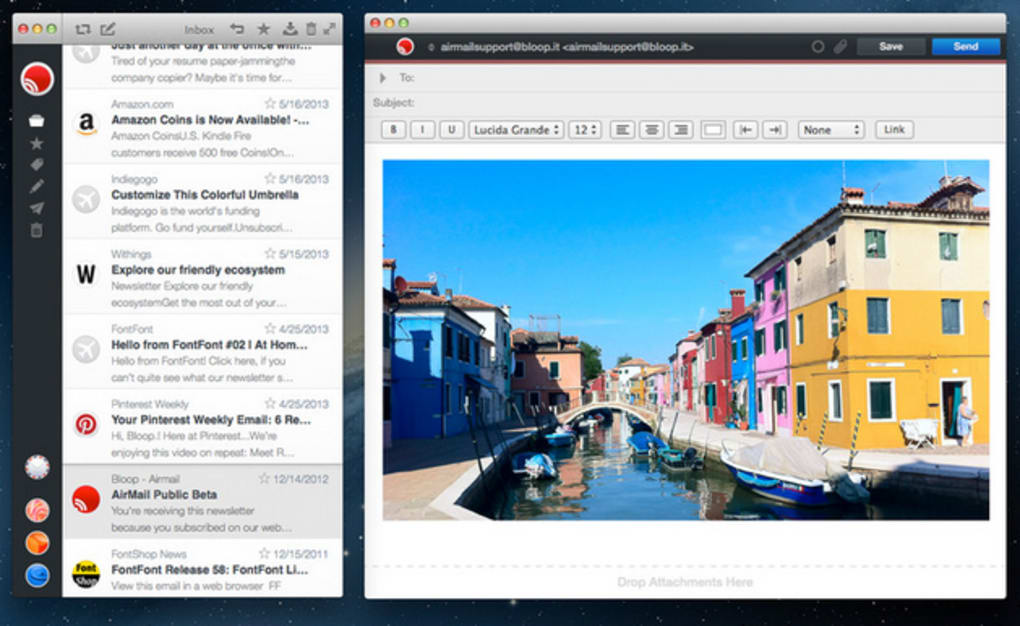
When composing a new message, Airmail’s rich‑text editor offers Markdown support, inline image embedding, and a handy “Insert Link” tool. The toolbar is fully customizable; you can drag‑and‑drop the most‑used actions to keep the interface clean. To maximize productivity, try enabling the “Snooze” feature on noisy threads, which temporarily hides them and resurfaces them at a time you choose. Finally, Airmail’s built‑in search leverages macOS Spotlight indexing, delivering instant results even across multiple accounts. By mastering these settings, you’ll turn Airmail into a personalized email command center that keeps you organized and in control.
Compatibility: macOS 10.12 Sierra and later (including macOS Ventura, Monterey, and Big Sur). Airmail is optimized for Apple Silicon, offering native performance on M1 and M2 Macs.
Pros & Cons
Pros
- Beautiful, native macOS design that feels instantly familiar.
- Powerful unified inbox and advanced filtering for complex workflows.
- Seamless integration with popular third‑party services.
- Secure authentication methods, including OAuth2 and S/MIME.
- Full support for dark mode and Retina displays.
- Customizable keyboard shortcuts and swipe gestures.
- Regular updates that keep the app aligned with the latest macOS releases.
Cons
- No POP support, which may affect users with legacy email setups.
- Initial loading of very large mailboxes can be slower than expected.
- Full feature set requires a one‑time purchase; free version is limited.
- Only available on macOS – no native Windows or Linux client.
- Occasional sync hiccups with certain enterprise Exchange servers.
Frequently Asked Questions
-
Does Airmail support IMAP and Exchange accounts?
Yes, Airmail works with IMAP, Microsoft Exchange, and OAuth2‑based services like Gmail and Outlook. It fully synchronizes folders, flags, and read/unread status across devices.
-
Can I use Airmail on a Mac with Apple Silicon?
Absolutely. Airmail includes a native Apple Silicon binary, delivering faster launch times and lower power consumption on M1 and M2 Macs.
-
Is there a free trial or a free version of Airmail?
Airmail offers a 14‑day free trial with full features. After the trial, a one‑time purchase of $9.99 unlocks the perpetual license.
-
How does Airmail handle email encryption?
Airmail supports S/MIME encryption and digital signatures. You can import your certificates in the Preferences panel and send or receive encrypted messages securely.
-
Can I customize notifications for each email account?
Yes. In the Notifications settings you can enable or disable alerts per account, choose sound alerts, and activate the quick‑reply feature directly from the Notification Center.
Conclusion & Call to Action
For Mac users who demand a sleek, feature‑rich email client, Airmail delivers a compelling blend of design, security, and productivity tools. Its unified inbox, powerful filters, and deep third‑party integrations make it a worthy upgrade over standard webmail interfaces, especially for professionals juggling several accounts. While the lack of POP support and occasional loading delays may concern some, the overall experience—especially on Apple Silicon—feels fast, modern, and secure. If you’re ready to transform the way you handle email on macOS, click the button below to download Airmail and start your free trial today.







